
 By
By 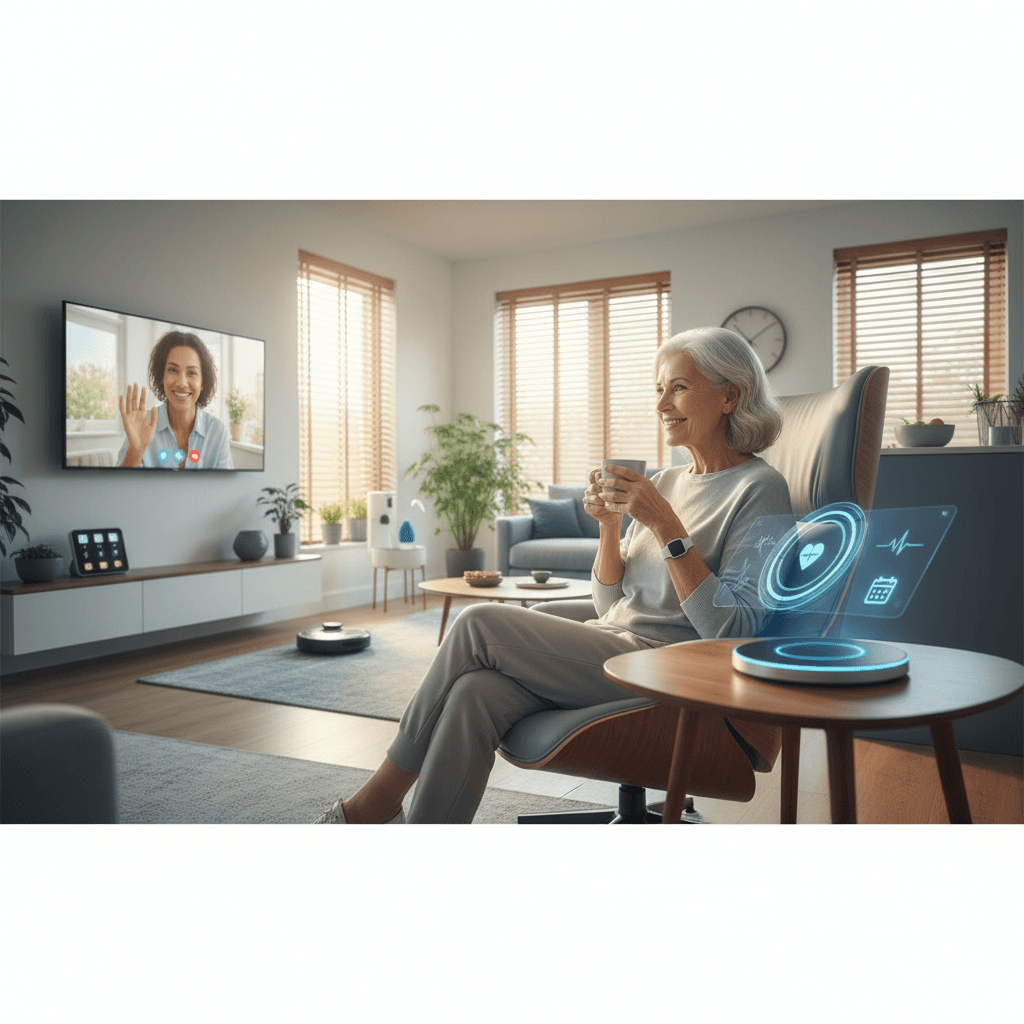
Modern technology is changing how older adults live independently at home. From wearable sensors to home sensor networks, new tools focus on reducing common risks while keeping daily living familiar and comfortable. In practical terms this means fewer emergency hospital visits and more confidence for older adults who want to stay in their own homes.
This article looks at real devices, sensible planning, and everyday routines that make technology a useful part of independent living for seniors. You will get clear examples, tips for selection and installation, and steps caregivers can use to support long term success.
How modern devices improve safety for seniors at home
Safety technologies can detect problems early and alert caregivers or emergency services when needed. For example wearable fall detectors can automatically call for help when a serious fall is detected. Motion and door sensors track activity patterns that often change before a health event is obvious. When these systems are used together they give a fuller view of a resident’s daily condition without intrusive checks.
Many systems also reduce common hazards through preventive features. Connected lighting that turns on along known walking paths helps reduce night time falls. Medication reminders in pill dispensers reduce missed doses that can trigger complications. Voice enabled interfaces let someone call a caregiver or contact emergency services even when mobility is limited.
Key devices that reduce risk and support independence
- Wearable fall detectors These devices use motion algorithms to detect sudden impacts and long periods of immobility and can call for help automatically. Battery life and comfort are important selection points.
- Personal emergency response systems Traditional pendants and wristbands remain valuable. Look for models with tested cellular backup in case Wi Fi fails.
- Home sensor networks Motion, door, and bed sensors give passive insight into daily routine. Alerts can be set for missed activities that might signal trouble.
- Connected lighting Motion linked lights with adjustable brightness reduce fall risk on stairs and in bathrooms. Choose fixtures that are easy to operate and that use warm temperature bulbs to avoid glare.
- Medication management systems Timed dispensers that lock and emit reminders help with adherence. Some units log doses so caregivers can check remotely.
- Video monitoring and two way audio These systems are useful in specific situations for quick checks and communication. Use them with clear privacy rules and limited placement.
- Telehealth tools Remote vitals collection and scheduled virtual visits reduce the need for travel and let clinicians notice trends that warrant in person care.
Selecting the right senior safety technologies for your home
Choosing the right tools starts with a clear list of needs and constraints. Consider mobility level, cognitive status, home layout, internet access, and who will respond to alerts. For a curated list of options and product features see this overview of senior safety technologies which highlights common device types and the typical benefits they deliver.
Assessing needs and home layout
Walk through the living space with the senior and note areas of risk for trips and falls. Identify stairs, thresholds, bathroom entry points, and slippery surfaces. A checklist makes it easier to match devices to locations. For example a bathroom prone to slips is a good place for a floor mat with grip, motion activated lights and an easy to reach emergency pendant.
Budget and installation considerations
Costs vary widely from simple sensors under 50 to full service systems with monthly fees. Factor in installation, subscription charges for monitoring, maintenance, and battery replacement. If internet service is unreliable choose systems with cellular backup. Many vendors offer professional installation for complex systems which can reduce setup errors.
Privacy and data handling for connected systems
Connected devices collect personal data that should be managed carefully. Check manufacturer privacy statements and ask how long data is stored, who can access it, and whether data transmission is encrypted. When possible choose systems that allow local control of data and limited sharing. For caregivers a regular review of privacy settings helps keep access appropriate.
Network security practices matter. Create a separate guest network for safety devices so they do not share the same credentials as phones or computers. Use strong unique passwords and enable two factor authentication where available. Keep device firmware current since updates often patch security issues.
Training, routines, and human factors that make devices useful
Technology alone is rarely the full solution. Training the senior user and caregivers on how the system works is essential. Simple steps increase daily use and lower false alarms. Examples of effective practices include labeling devices, demonstrating typical scenarios, and rehearsing emergency calls so the user is familiar with audible alerts.
- Create a simple one page guide List how to respond to an alert, who to call first, and how to silence false alarms.
- Practice weekly Short rehearsals make people comfortable with the system and reduce panic if a real event occurs.
- Assign backup responders In case the primary contact is unavailable assign a neighbor or family member who knows the home layout.
Case studies and practical examples
Example one A retired teacher living alone used a combination of a wearable fall detector and motion sensors. When a fall occurred while she was gardening the wearable alerted her neighbor and emergency services. The emergency crew arrived quickly and she recovered without a lengthy hospital stay.
Example two A couple managing memory loss for one partner installed a timed pill dispenser and door sensors. The dispenser reduced missed or double dosing while the door sensors alerted caregivers if the person attempted to leave at night. Over months caregivers reported fewer emergencies and better sleep because worries about wandering decreased.
Maintenance tips that keep systems reliable
Regular checks are important. Replace batteries before low battery alerts start. Test fall detectors and emergency buttons monthly using test modes. Clean sensors and cameras to keep them functioning. Keep an up to date list of serial numbers, model names, account logins and vendor support numbers somewhere accessible to caregivers.
- Schedule quarterly firmware and app updates
- Check network connection and signal strength at device locations
- Keep spare batteries and a basic tool kit for battery replacement
When upgrades are needed prefer devices with long term support from established vendors. Newer gadgets may offer appealing features but short vendor lifespans can leave systems unsupported.
Financing options and community resources
Cost can be a barrier so explore local programs that provide funding or discounts for home safety devices. Some insurance plans and veteran benefits cover medical alert systems. Local aging agencies often have loaner programs for basic safety devices. Nonprofit organizations and community health centers may have low cost installation services or volunteers who can help with setup.
Compare total cost of ownership for devices including subscription fees and replacement cycles. In many situations investing in prevention reduces expensive emergency visits and long term care cost.
Senior living with independence is a mix of well chosen tools and everyday care choices. Technology reduces common risks and adds options for rapid response while preserving day to day routines. Practical planning, regular maintenance, and attention to privacy make these systems sustainable for the long run.
Conclusion
Modern technology offers many practical ways to keep older adults living independently and safely at home. By combining wearable detectors, home sensors, medication management, and reliable communication pathways families can reduce risks and respond faster to emergencies. Start by assessing needs and mapping the home to match devices to problem areas. Include the older adult in planning and practice using the system so it becomes part of daily life rather than a source of confusion.
Pay close attention to privacy and security settings and keep device software current. Budget realistically for devices and subscriptions and check local programs that may provide financial help. Finally create simple training materials and a response plan for caregivers and neighbors. Technology works best when paired with routines and human support.
If you are ready to take the next step review options that match your home needs, talk with a trusted vendor or community agency, and plan a staged installation starting with the highest risk areas. That approach keeps costs steady while building confidence in the system. Take action now to make the home safer and to preserve independence for the years ahead.


